
How to Claim a Listing
Claim and Manage Your Senioridy Listing
Take control of your Senioridy listing by claiming ownership and keeping your information accurate and up to date. Follow the simple verification process to submit your claim, receive approval, and access your listing management tools. Once approved, you can edit your listing details, make updates, and ensure your community’s information is current for visitors searching on Senioridy.
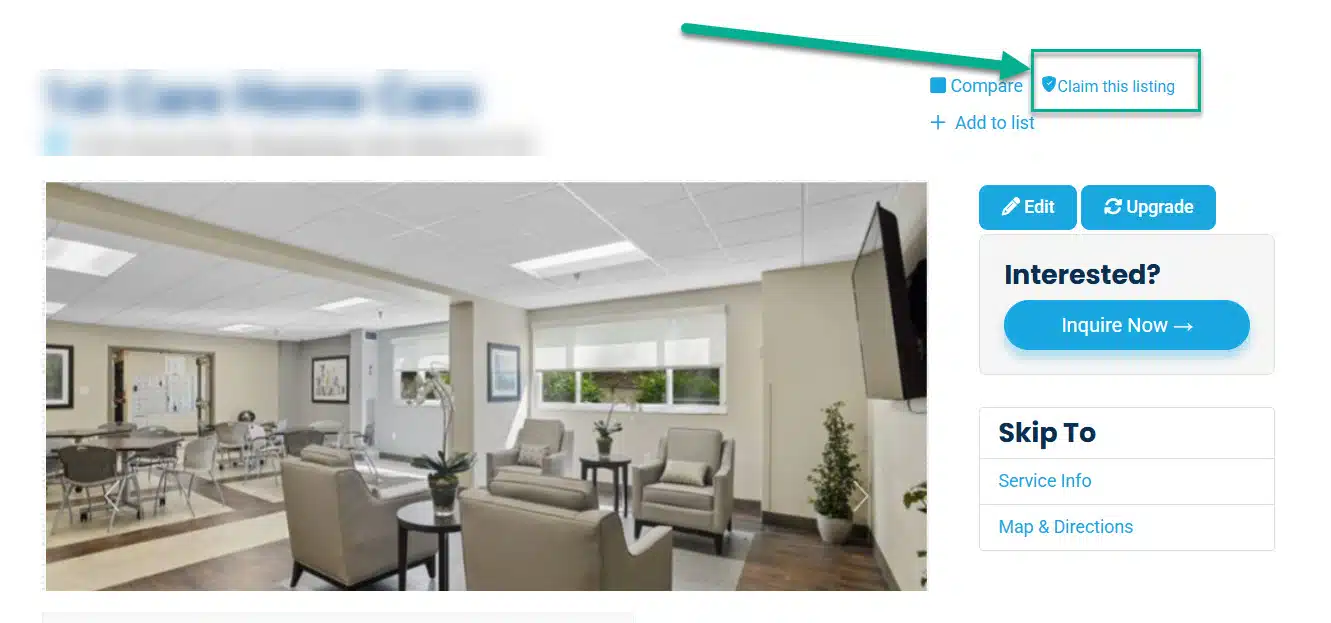
How to Claim a Listing
1 Create a free Senioridy account or sign in if you already have one.
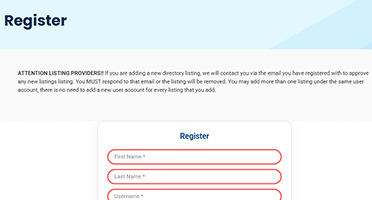
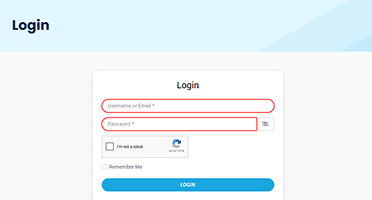
2 After creating your account, log in using your registered email and password.
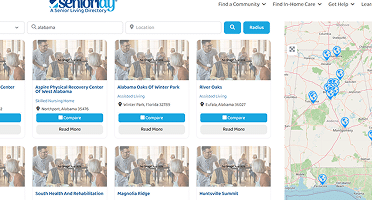
3 Navigate to the specific listing page you want to claim.

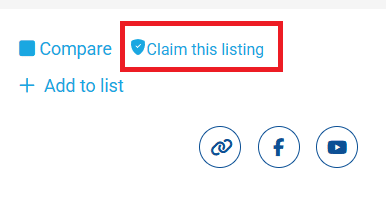
4 At the top-right corner of the listing page, click the “Claim Listing” link.
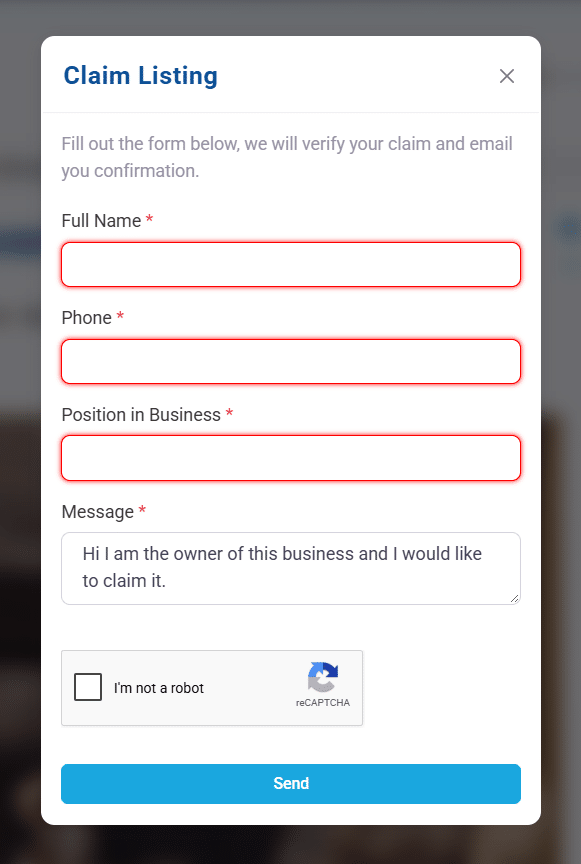
5 Fill out the claim form with the required information and submit your request.
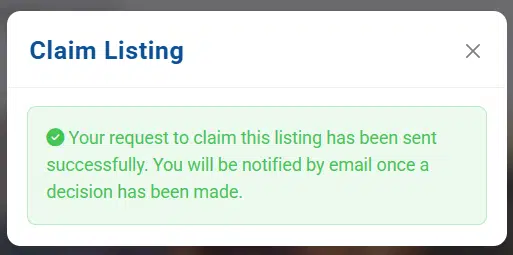
6 Your claim will be reviewed. You will receive an email notification to confirm.

Editing Your Claimed Listing
- Log out of your Senioridy account.
- Log back in.
- Visit the listing page again.
- At the top-right corner, you will see an “Edit” button.
- Click “Edit” to update your listing information.
- Make your changes and click Save to publish the updates.
Start Building Your List
The search for senior care doesn’t have to feel overwhelming. With Custom Lists, you can organize your research, compare your options, and make confident decisions at your own pace.